Text

E-mail

Phone

SMS

WhatsApp

Facebook

Youtube

V-card

Event

Upload your logo or select a watermark
Invalid image

GET MORE

The professional QR Code Management platform to create, track
and edit all your QR codes in one place.

Dynamic QR Codes

Edit and change your QR codes anytime.

Scan Statistics

Track your QR codes and get insights about scans.

Bulk Creation and Editing

Create and edit many QR codes in no time.

Campaign Folders

Structure and organize your QR codes in campaign folders.

More Design Options

Create transparent QR codes and reusable design templates.

Why Use Visual QR Codes?

Freevly
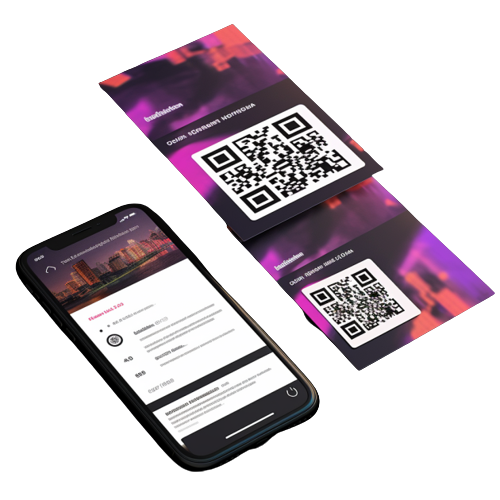
  • Branded, Creative, Effective
  • 50%-400% More Scans!
  • Mobile optimized content
  • X2 more leads and social engagements

By Others...
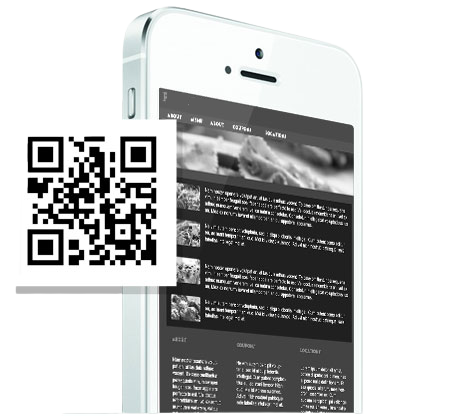
  • Branded, Creative, Effective
  • 50%-400% More Scans!
  • Mobile optimized content
  • X2 more leads and social engagements

Create your custom QR Code

1
Set QR Content

Select a content type at the top for your QR code (URL, Text, Email...). After selecting your type you will see all available options. Enter all fields that should appear when scanning your QR code.

2
Customize Design

You want your QR code to look unique? Set a custom color and replace the standard shapes of your QR code. The corner elements and the body can be customized individually. Add a logo to your QR code.

3
Generate QR Code

Set the pixel resolution of your QR code with the slider. Click the "Create QR Code"-button to see your qr code preview. Please make sure your QR code is working correctly by scanning

4
Download Image

Now you can download the image files for your QR code as .png or .svg, .pdf, .eps vector graphic. If you want a vector format with the complete design please choose .svg. SVG is working in software

Read our Blogs

Posted on April 7, 2023 by John Doe

You want your QR code

You want your QR code to look unique? Set a custom color and replace the standard shapes of your QR code

Posted on April 7, 2023 by John Doe

QR Code for links

Links use for QR code to look unique? Set a custom color and replace the standard shapes of your QR code

Posted on April 7, 2023 by John Doe

Vcard links

Vcard Links use for QR code to look unique? Set a custom color and replace the standard shapes of your QR code

2021 © Freevly